
Integrations
Integrations connect InnClock AI with other tools your organisation uses. Open Integrations in the sidebar to see what is available.
Integrate Inncircles Arena
Connect Arena to bring your projects, crews and members into InnClock AI, and keep them in sync.
Connect
-
Open Integrations and select Manage Data on the Inncircles card.
-
Enter your Arena domain. This is the part between
arena.and.inncircles.comin your Arena address. -
Enter your Email domain, for example
inncircles.com. It is used to build an email address (employeeId@domain) for synced people who do not have one in Arena.Note: The email domain cannot be changed once it is set.
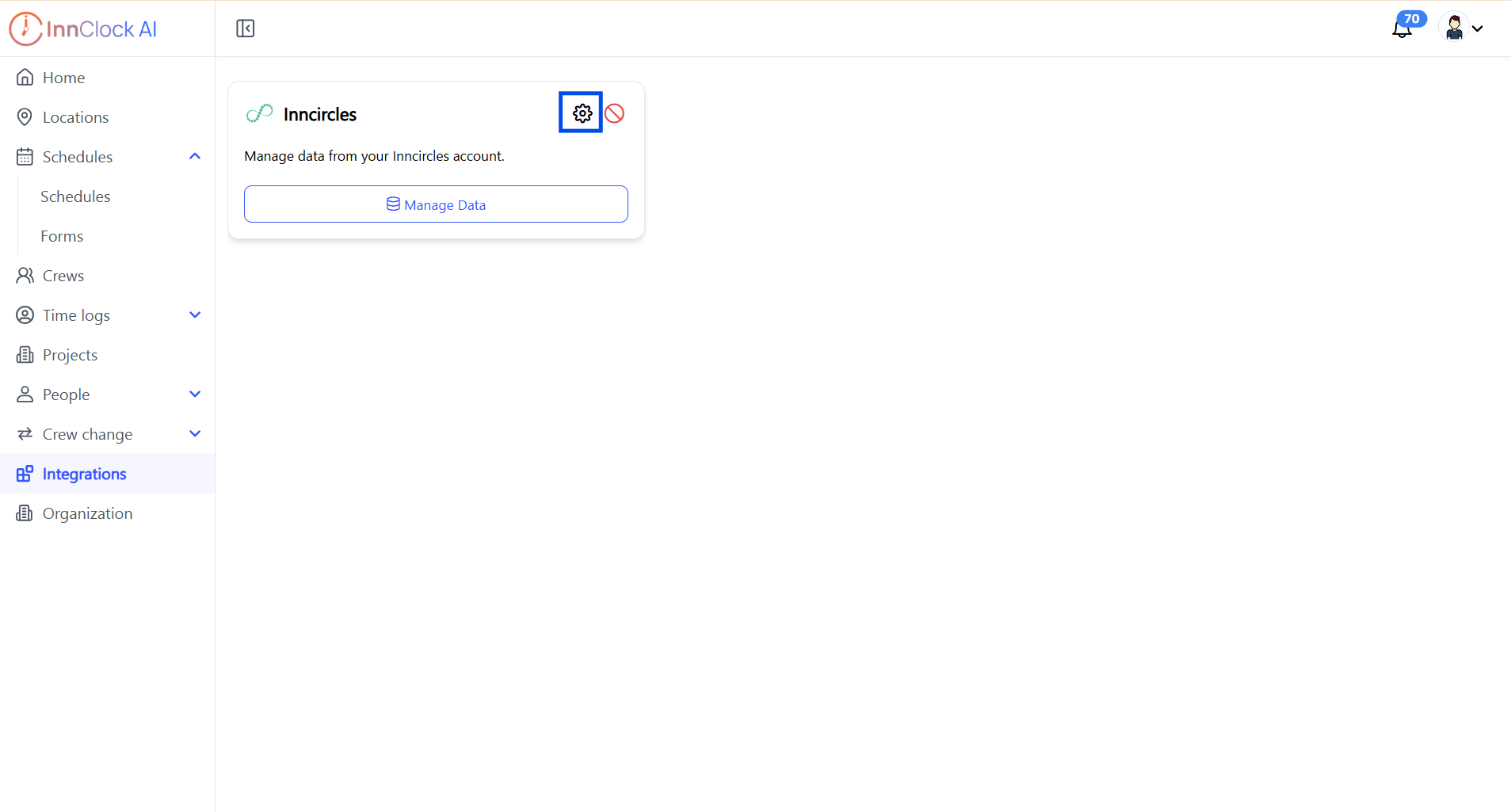
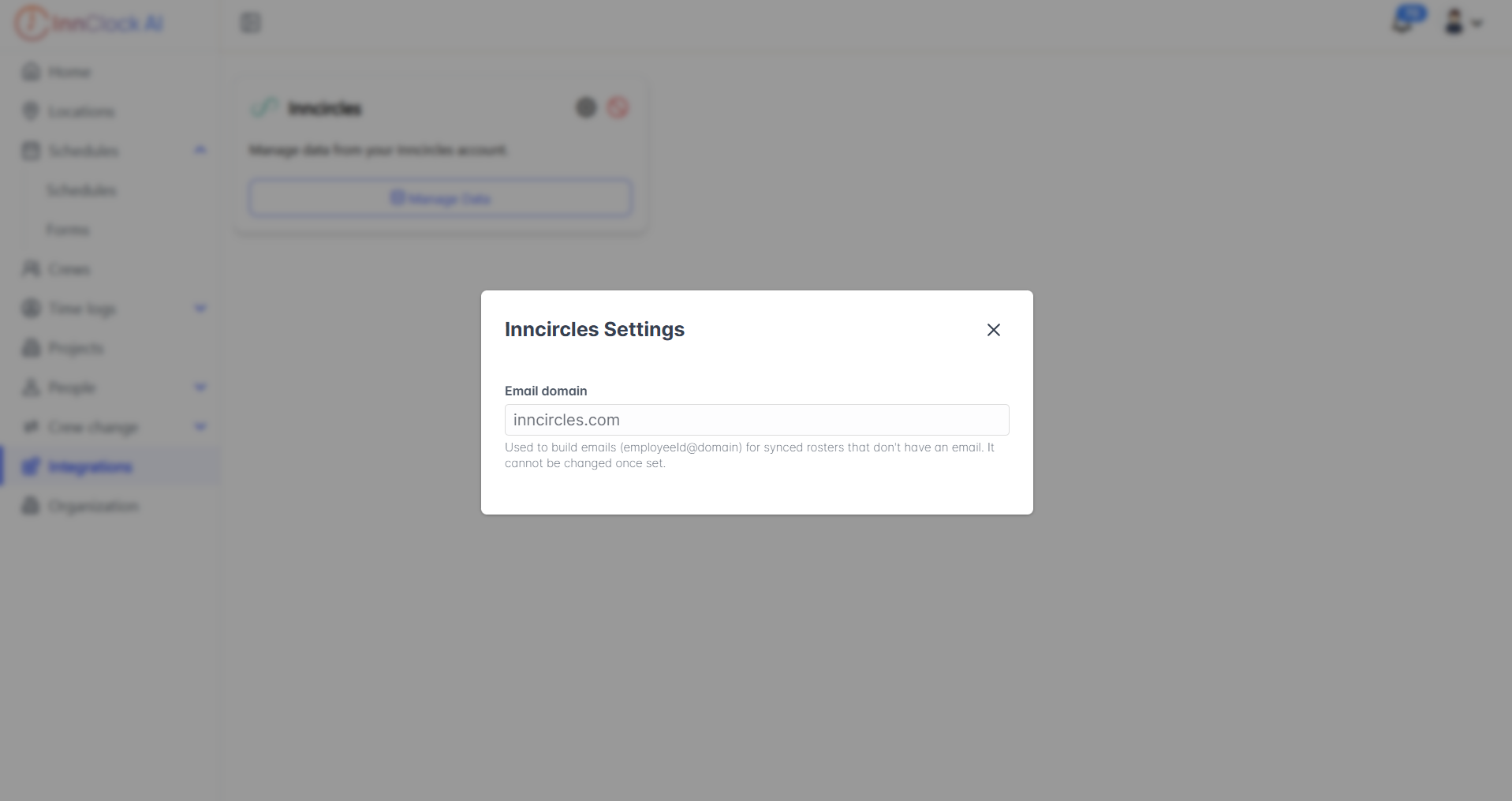
-
Select Sign In, then sign in to your Arena account and give consent. InnClock AI can then start adding your data.
Choose what to bring in
- On the Arena card, select Manage Data.
- Work through the three steps in order:
- Projects: select the projects you want to bring in, then select Crews.
- Crews: select the crews you want. You can go back to Projects at any time.
- Members: select the members you want.
- Select Sync.
- You will see "Data synced successfully" when it is done.
Keep it in sync
- Schedule Sync: set up an automatic sync so your data stays up to date without doing it by hand. You can turn the schedule off at any time.
- Sync History: see the results of past syncs.
Settings and disconnecting
- Select the gear icon on the Arena card to see the email domain that is in use.
- To disconnect, select the Revoke Access icon on the Arena card.
Updated about 1 month ago