
Polygon-shaped geofences
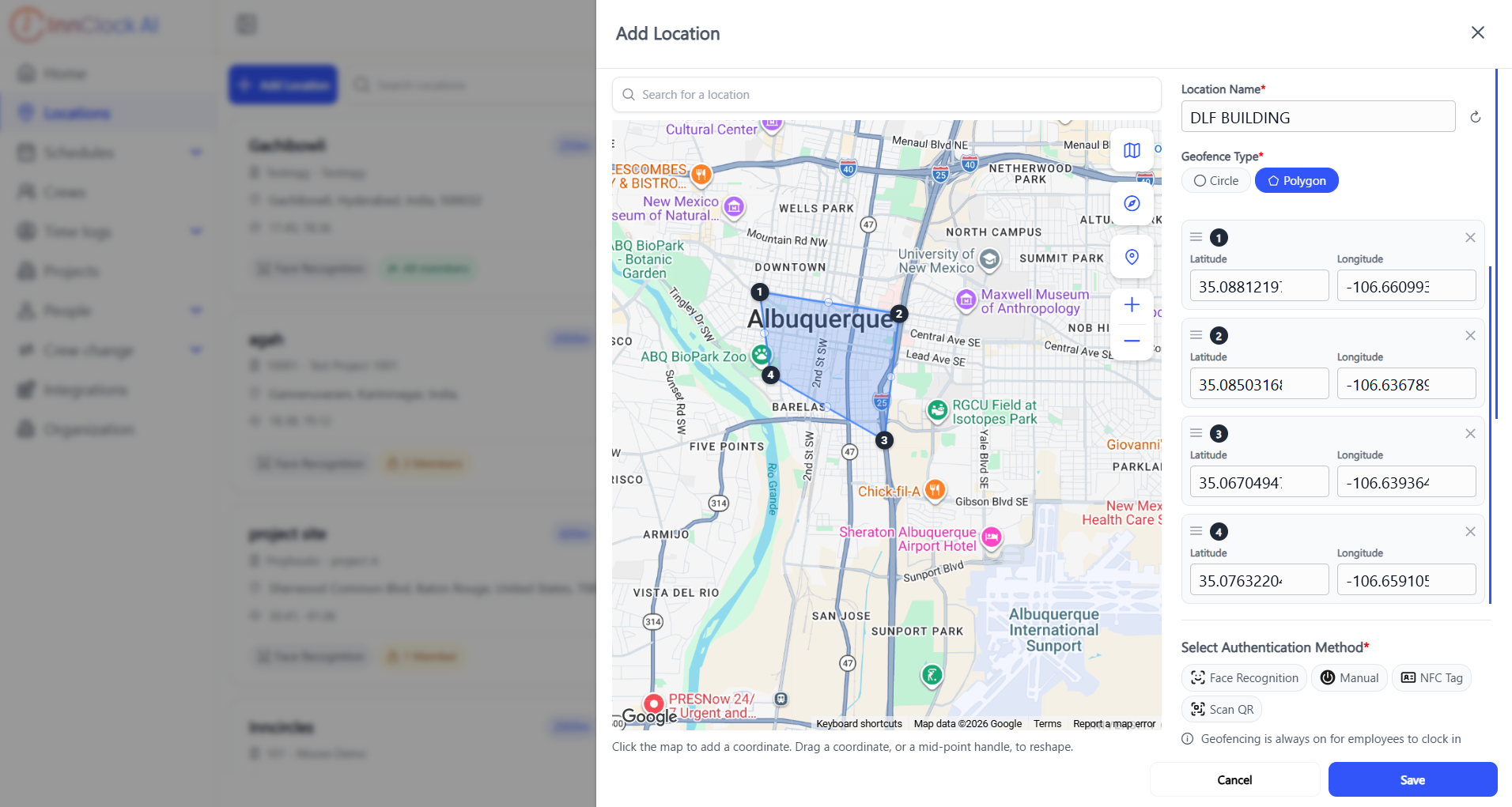
A polygon geofence is an outline of 3 to 200 points. Use it for sites that are not round, such as long yards, L-shaped buildings or plant boundaries, so the clock-in area matches the real site.
Create a polygon geofence
- Open Locations and select Add Location.
- Select the project and continue.
- Enter a location name. The refresh icon beside the name can fill it from the map address.
- Under Geofence Type, select Polygon. The radius and latitude/longitude fields are replaced by a Coordinates list.
- Zoom and pan the map to the site, then click each corner of the area. Each click adds a numbered point and the shaded area updates.
- Add at least 3 points. A counter beside Coordinates shows how many you have added.
- Select at least one authentication method: Face Recognition, Manual, NFC Tag or Scan QR.
- Turn on Allow All, or choose Access Members or Access Crew.
- Select Save. The button stays disabled until the polygon is valid and the required fields are filled in.
Adjust the shape
| Task | How |
|---|---|
| Move a point | Drag it on the map, or enter a new Latitude or Longitude in its row |
| Add a point | Drag the mid-point handle on an edge to insert a new numbered point |
| Undo a drag | Select the undo arrow beside the moved point |
| Remove a point | Right-click it on the map, or select × on its row |
| Reorder points | Drag the row by its handle (≡) in the Coordinates list |
| Collapse the list | Select the arrow beside Coordinates |
- The order of the list defines the outline. Point 1 connects to point 2, point 2 to point 3, and the last point connects back to point 1.
- Rows with a problem are outlined in red and a message appears below the list. Save stays disabled until every issue is fixed
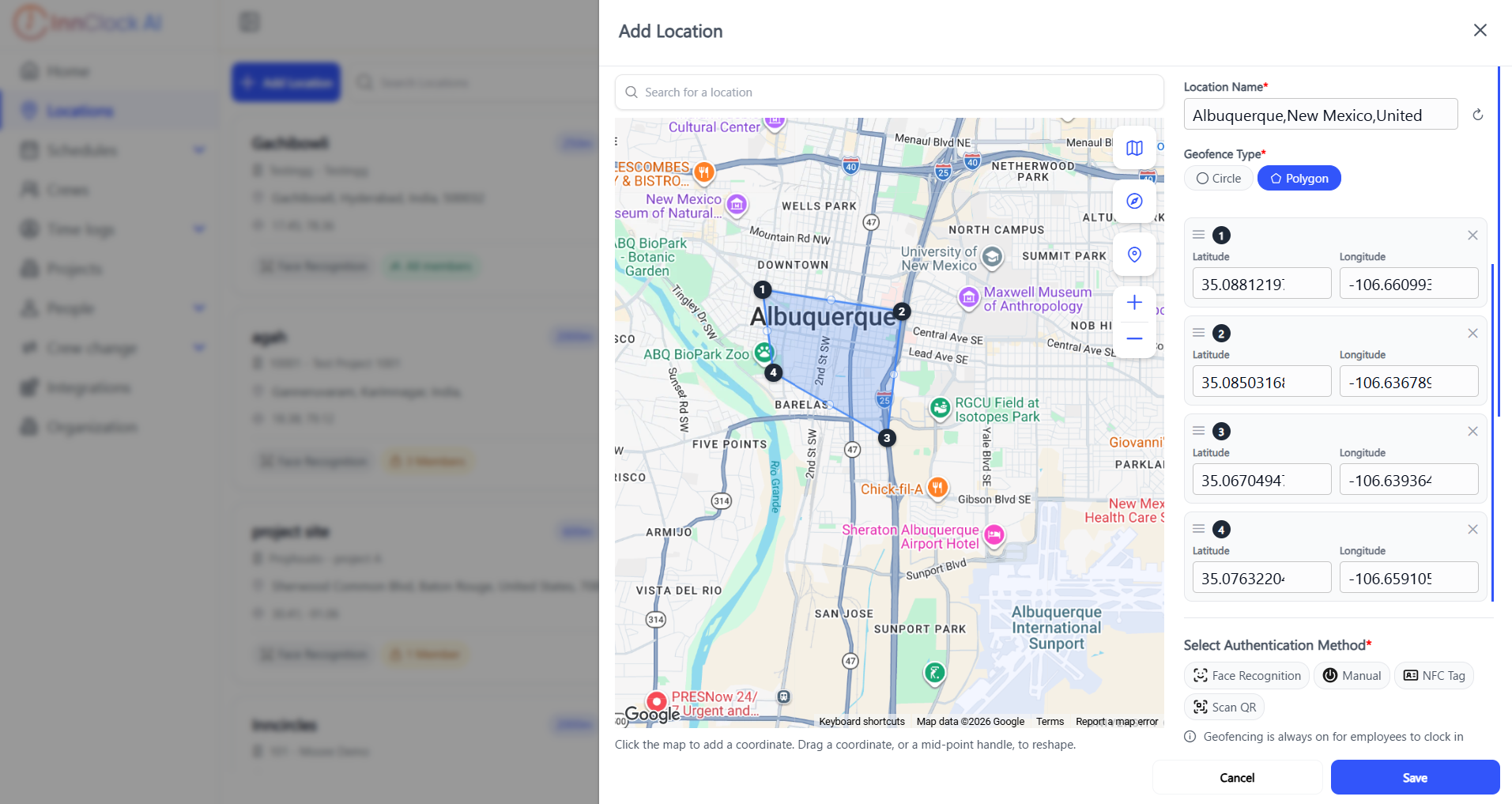
Switching between Circle and Polygon
You can change the geofence type while adding or editing. Points you have drawn are kept while the form is open, so switching back to Polygon does not mean starting over. Only the type selected when you save is stored.
Updated about 1 month ago
Did this page help you?