
Weekly by day schedule
Use this when the week is not the same every day. For example, 7:00 to 15:30 on weekdays, a short shift on Saturday and Sunday off.
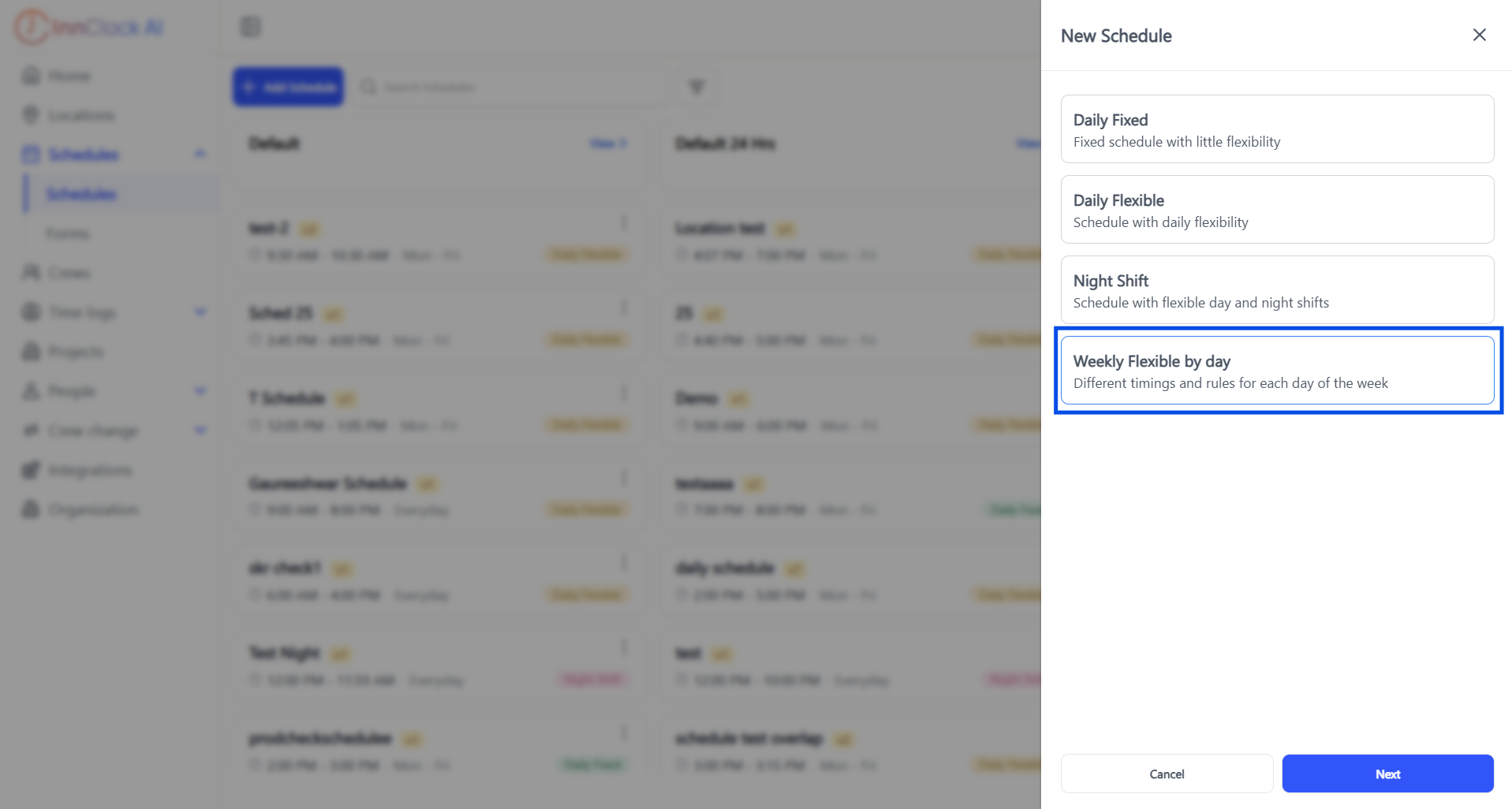
Open Schedules, select New and choose Weekly Flexible by day.
-
-
Enter the Schedule name.
-
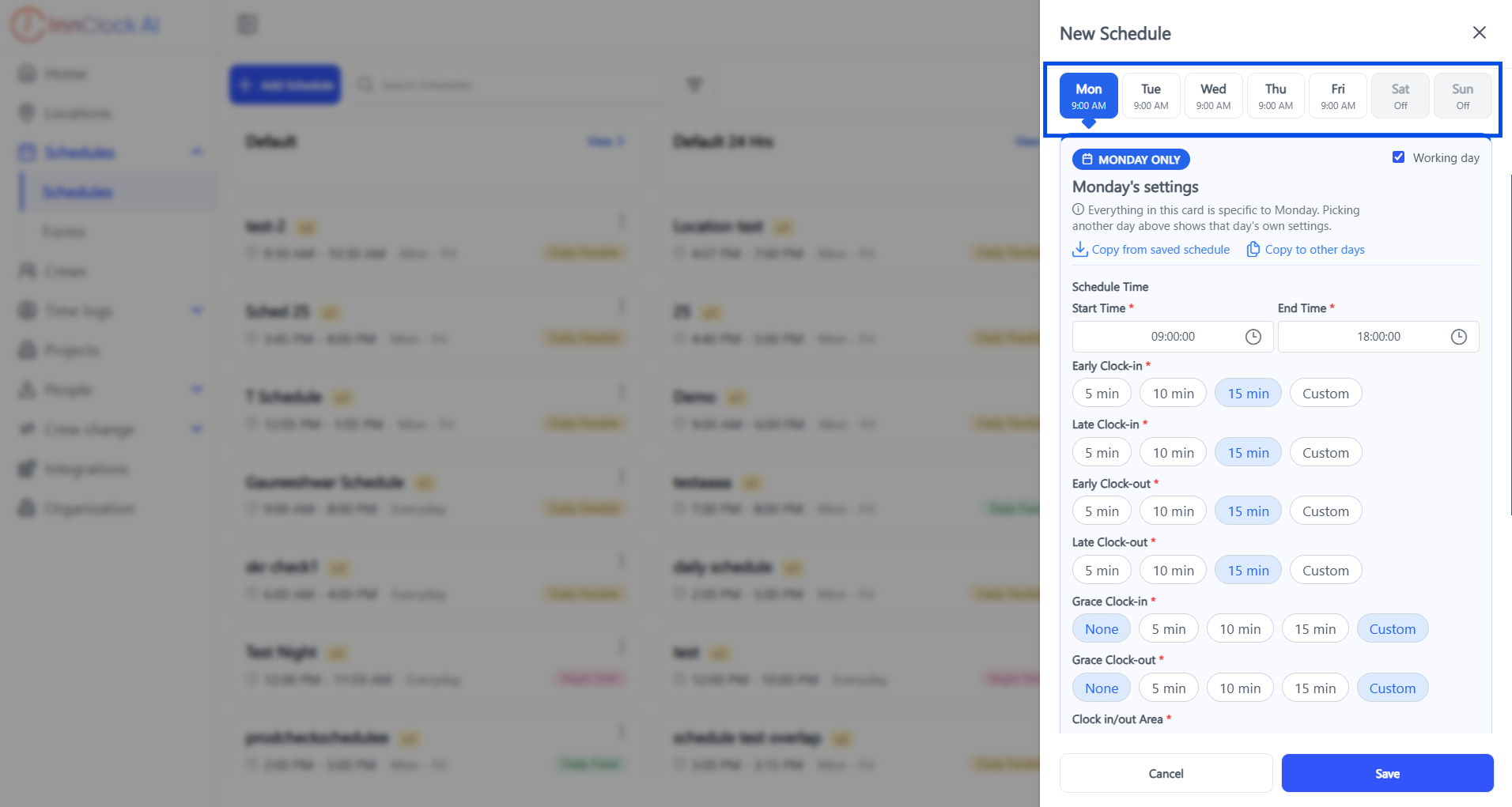
Under Weekly Schedule, you will see the seven days of the week as tabs. Select a day to edit it.
-
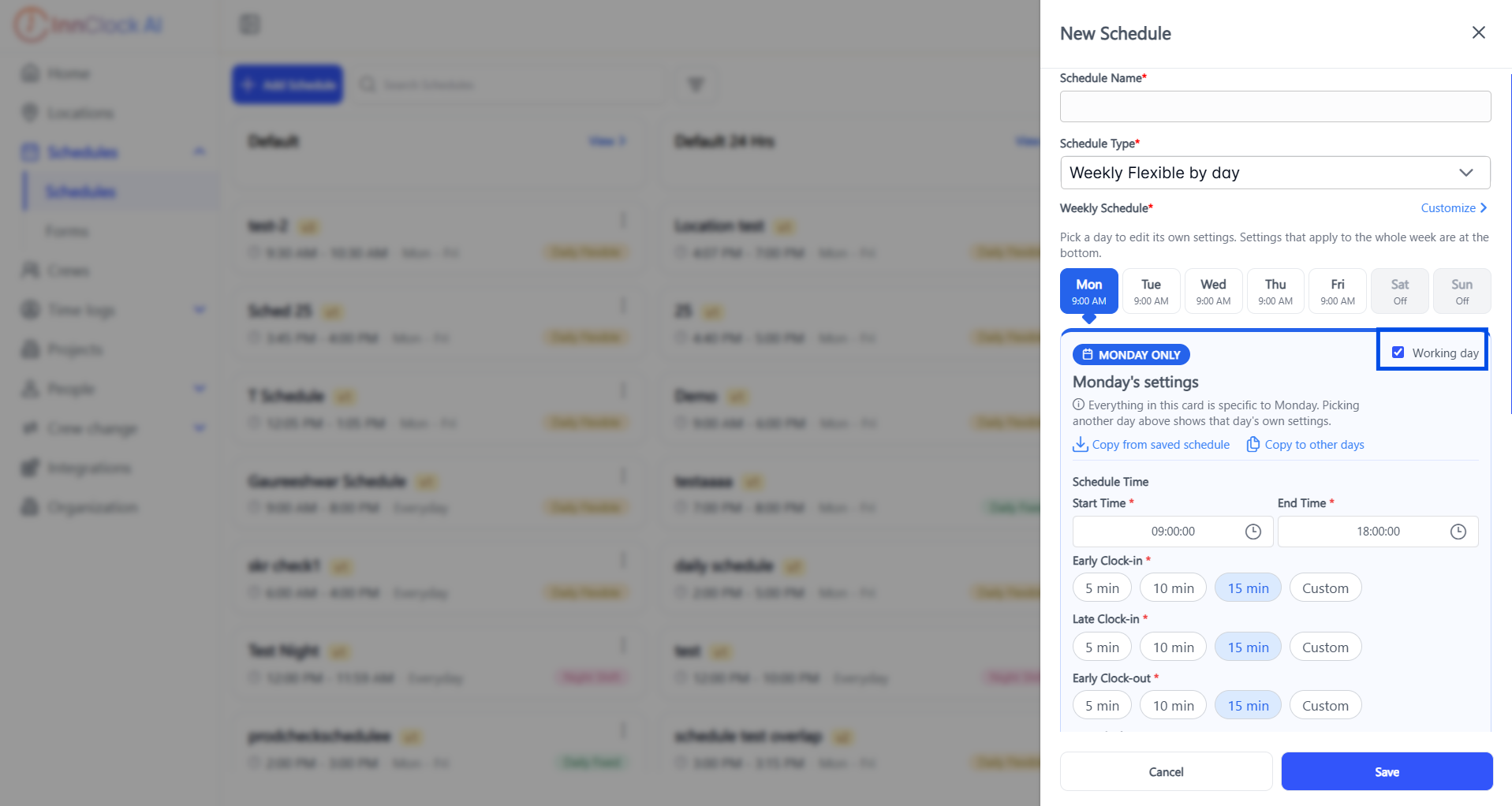
For the selected day, tick or untick Working day. A day that is switched off is greyed out. Its settings are kept, so you can switch it back on later.
-
Set that day's own:
- Schedule Time: start and end time
- Clock in/out Area: whether people may clock in or out away from the site
- Breaktime
- Overtime (daily)
- Auto Clock-out
- Deduction Rules
- Reminders
-
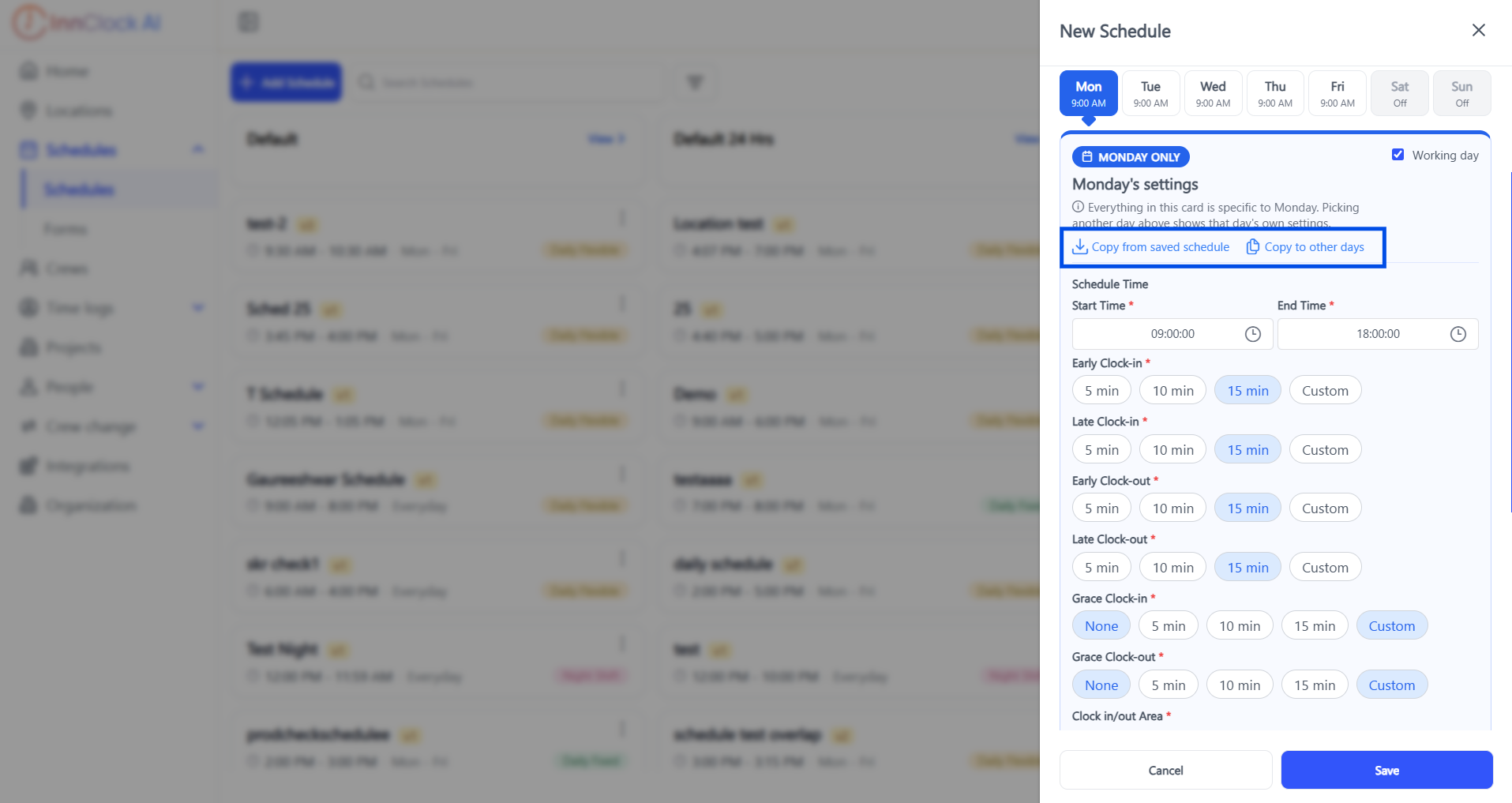
Repeat for the other days. To save time, use:
- Copy to other days: copies the selected day's setup to the days you tick. Weekdays and All days shortcuts are provided.
- Copy from saved schedule: copies a day's settings from another saved schedule. This replaces that day's times, flexibility, break, auto clock-out, deduction rules and reminders.
-
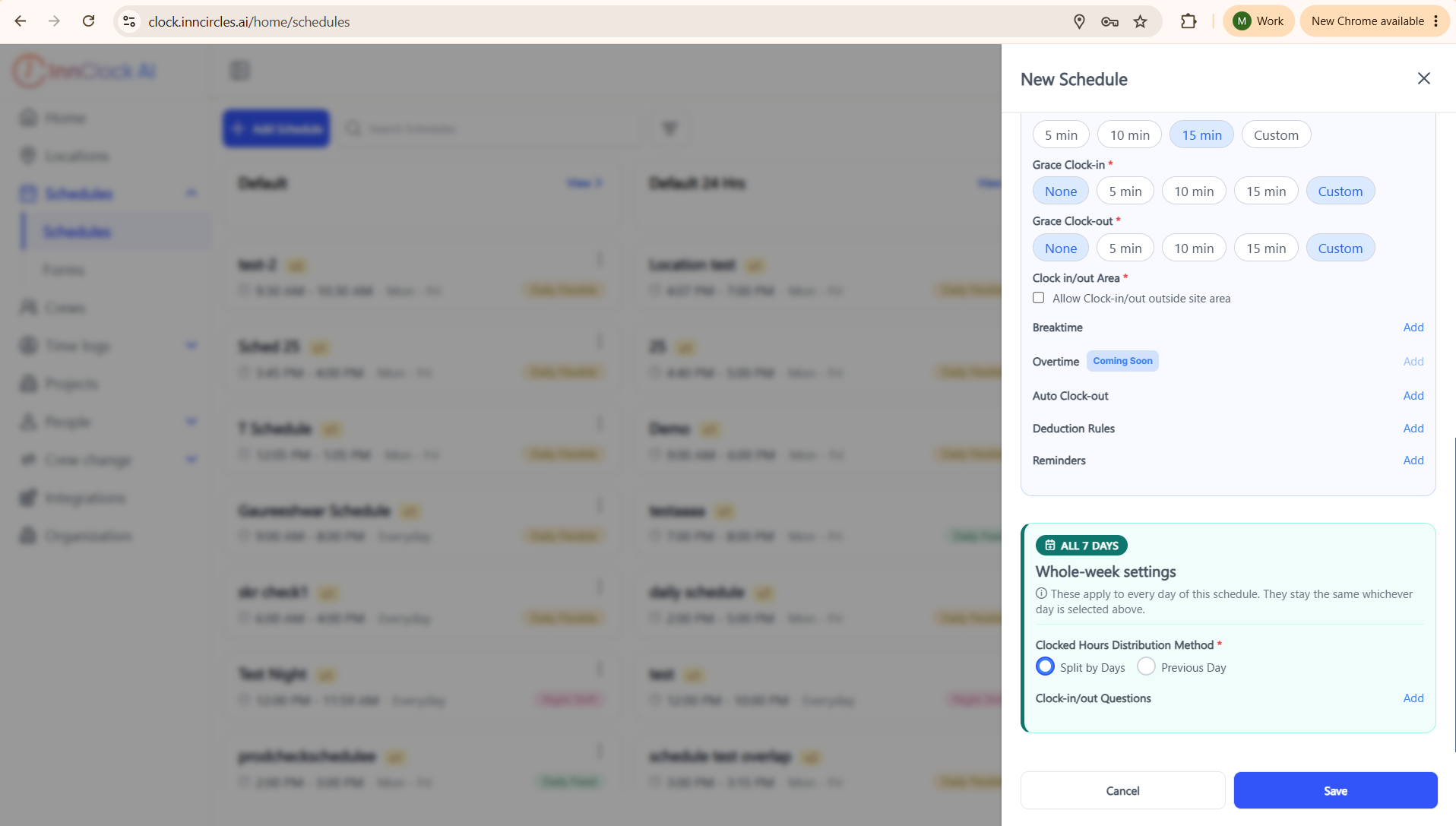
Scroll to the Whole-week settings card. These apply to all seven days and stay the same whichever day is selected. They include:
- Clocked Hours Distribution Method (shown only when a day runs overnight, see below)
- Clock-in/out Questions
-
Select Customize next to Weekly Schedule if you need to mark holidays or special working days on the calendar.
-
Save.
Tips
- Every card is clearly labelled "[Day] only" or "All 7 days", so you always know whether a change affects one day or the whole week.
- At least one working day is required.
- A day's shift can run past midnight. If a day's end time is not after its start time, it ends on the next calendar day.
- If one day's latest allowed clock-out runs into the next day's clock-in window, the form shows a warning for the day concerned. Adjust the times to resolve it.
- A day off can still have an overnight shift from the previous day finishing in it.
- Days with a problem are marked in red on their tab.
Updated about 1 month ago